
Enhancing your gaming space can significantly boost both comfort and immersion. A well-designed setup can also improve focus and performance during long sessions.
Whether you’re aiming for ergonomic improvements, aesthetic upgrades, or better lighting, these 15 simple ideas will help you create the ultimate gaming environment. Each suggestion is easy to implement and can make a noticeable difference in how you experience your favorite games.
1. Invest in an Ergonomic Chair

A comfortable chair supports proper posture during long gaming sessions, reducing the risk of back pain. Look for chairs with adjustable features to tailor the fit to your body.
2. Optimize Desk Height and Layout
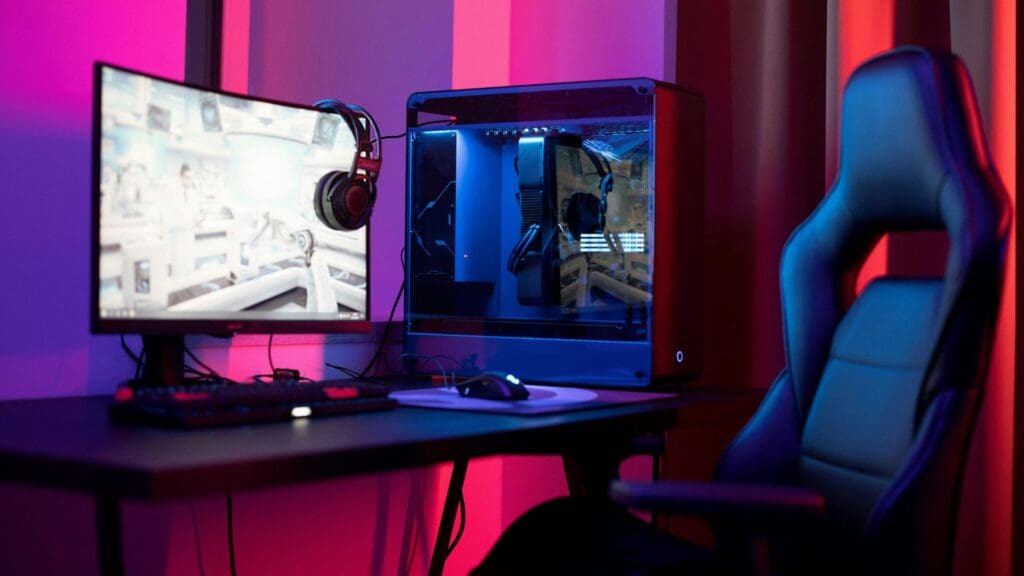
Ensure your desk is at a height that promotes a neutral wrist position. An organized layout with ample space for your equipment enhances both comfort and efficiency.
3. Incorporate LED Strip Lighting

LED strips behind your monitor or along desk edges create ambient lighting that’s easy on the eyes. They also add a cool, modern flair to your setup.
4. Use Smart Lighting Systems

Smart lighting lets you change color schemes and brightness to match your mood or game type. Sync lights with gameplay for a more immersive experience.
5. Install Acoustic Panels
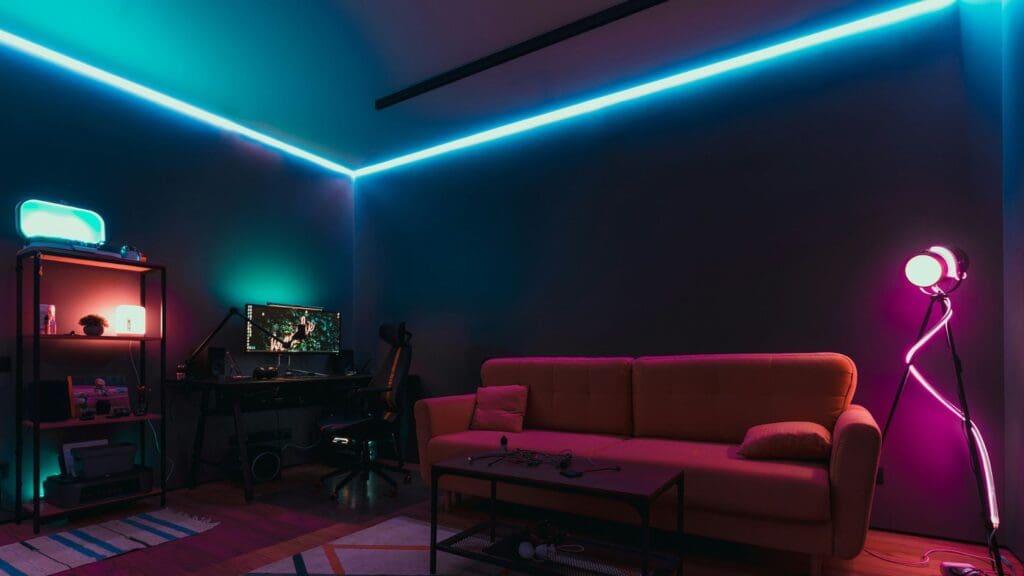
Acoustic foam or panels absorb sound and minimize echo in your room. This enhances in-game audio clarity and can reduce distractions from external noise.
6. Add Personal Decor Elements

Show off your gaming personality with posters, figures, or LED signs from your favorite titles. These elements add charm and make your space feel more like your own.
7. Implement Effective Cable Management

Cable trays, clips, and sleeves help keep cords neat and out of sight. A clean space improves airflow and reduces the risk of accidents or disconnections.
8. Utilize Multi-Purpose Furniture

Use furniture that doubles as storage, like ottomans with compartments or desks with drawers. This keeps your gear hidden but easily accessible.
9. Incorporate Task Lighting
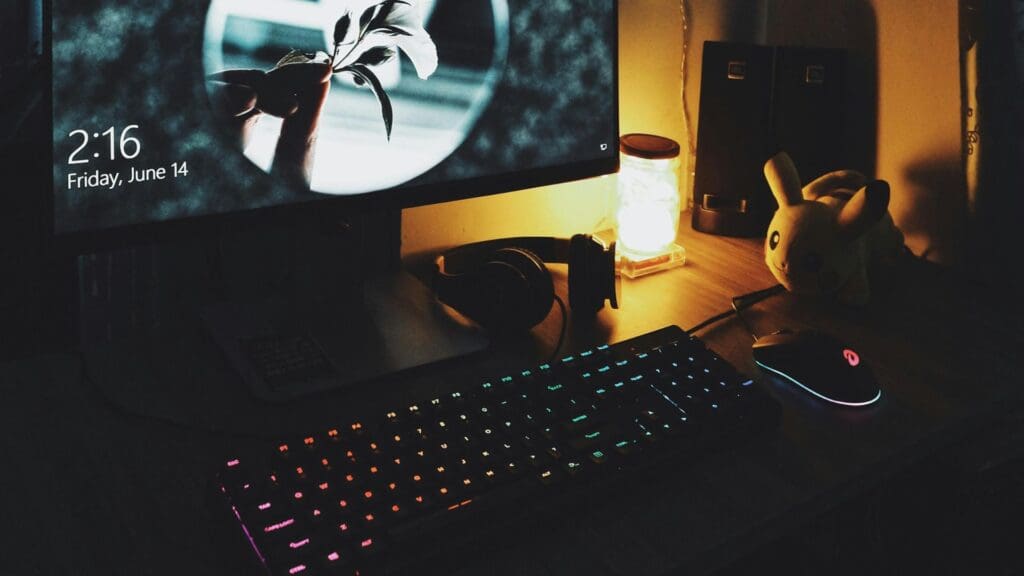
Desk lamps with adjustable arms allow you to direct light exactly where needed. This prevents eye fatigue and improves visibility during late-night gaming.
10. Add a Mini Fridge

Keep drinks and snacks nearby so you stay refreshed without leaving your game. It’s a convenience upgrade that also feels like a luxury.
11. Install Blackout Curtains

Control the amount of natural light to eliminate screen glare and improve focus. They’re especially useful for daytime gaming or streaming sessions.
12. Incorporate Plants
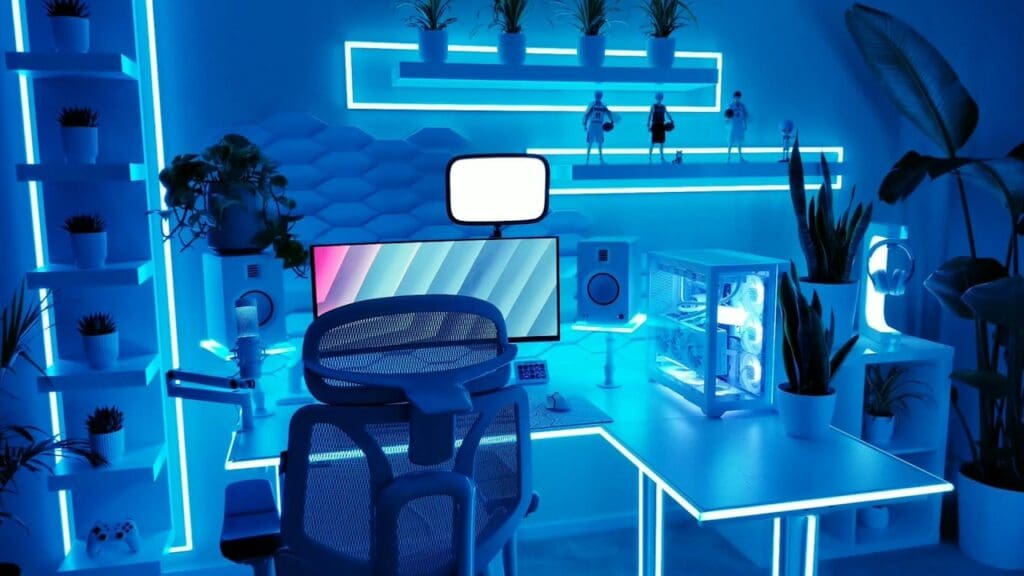
Plants add life and color to your setup while improving air quality. Choose low-maintenance options like succulents or snake plants for easy upkeep.
Read more: Game Smarter, Not Messier: 15 Pro Tips to Stay Organized
13. Use a High-Quality Headset Stand
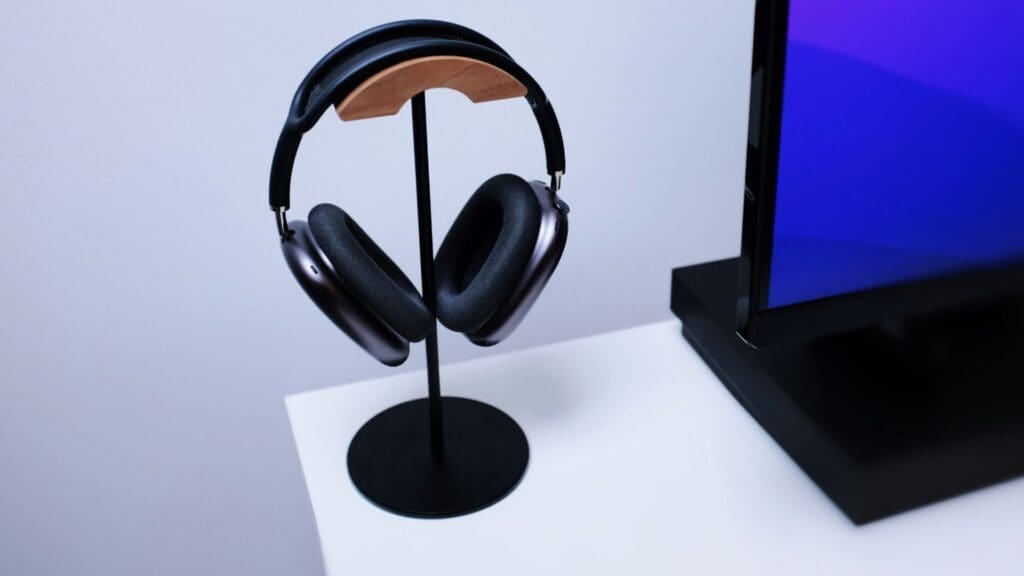
A sturdy headset stand keeps your gear safe from falls and damage. It also adds a sleek touch to your desk setup.
Read more: Bring Gaming Culture into Your Wardrobe with These 15 Easy Ideas
14. Set Up a Charging Station

Centralizing your chargers for controllers, phones, and other gadgets keeps everything powered up and organized. You’ll never scramble for cables mid-game again.
Read more: Transform Your Gaming Setup Into the Ultimate Comfort Zone
15. Incorporate a Diffuser with Essential Oils

Essential oils like lavender or eucalyptus can help create a calming gaming zone. A diffuser adds a subtle scent and elevates your room’s overall ambiance.
Stay in the Game With the Latest Scores, Highlights, and Stories — Follow GamerKoala on MSN.